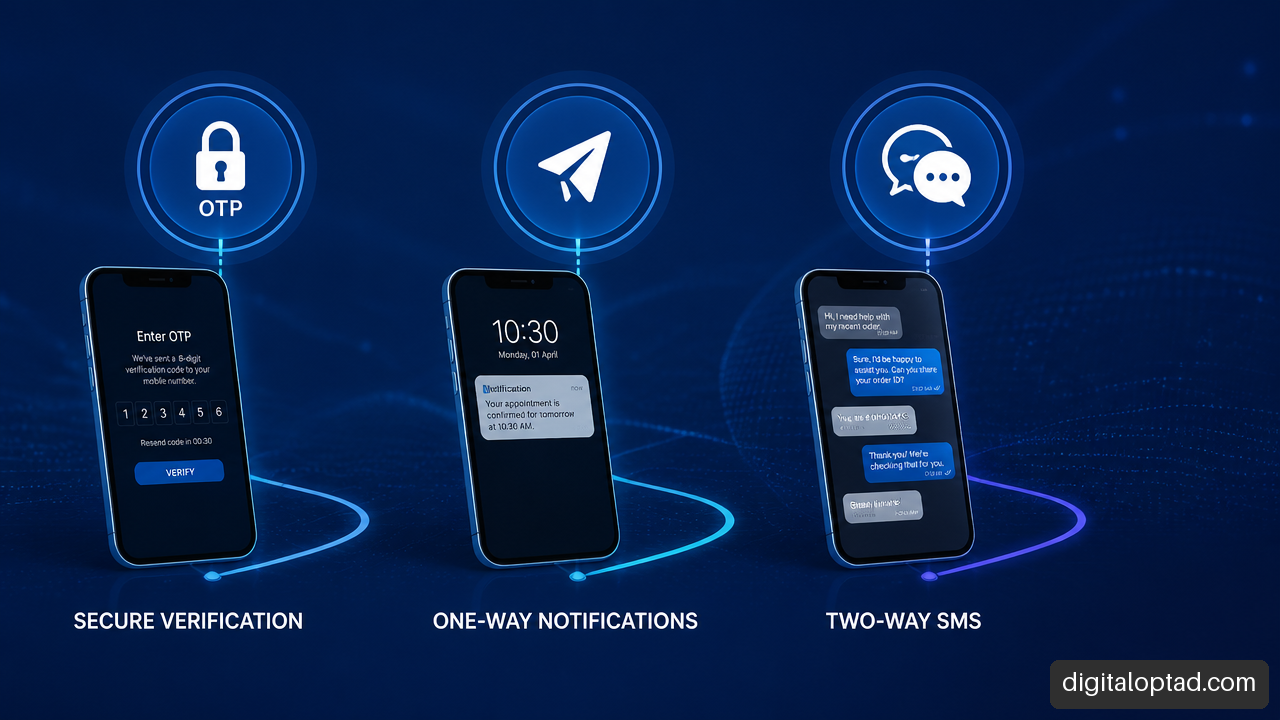
AI agents and chatbots can help organizations answer questions, guide customers, schedule appointments, capture leads, and complete selected workflow tasks. The key difference is not the chat window. It is whether the system can safely take actions through connected tools.
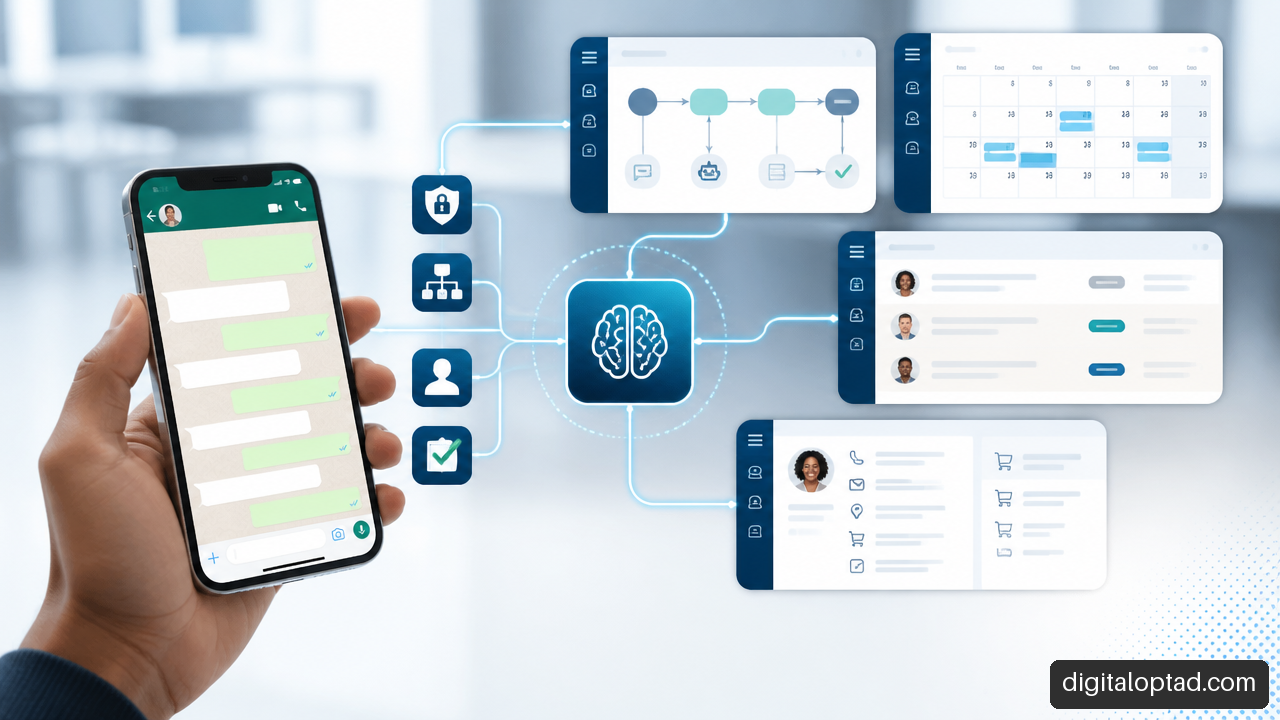
Table of Contents
- Key Takeaways
- AI Agents And Chatbots: The Operational Difference
- How WhatsApp AI Agents And Chatbots Work
- Integrating AI Into Organizational Workflows
- User Experience, Safety, And Governance
- Frequently Asked Questions
Key Takeaways
• A chatbot talks. It answers questions, collects information, and guides users through a conversation.
• An AI agent can act. It may use approved tools, APIs, business rules, and workflow steps to work toward a goal.
• WhatsApp is often a useful channel because customers already use it for quick, familiar conversations.
• The right choice depends on risk. Use a chatbot for information and simple requests. Use an agent only where tool access, permissions, validation, and escalation are clearly designed.
• Automation should not remove accountability. High value, high risk, or unclear cases need human review.
• Good performance is more than answer quality. We should measure resolution, safe completion, escalation quality, customer effort, tool errors, and privacy incidents.
AI Agents And Chatbots: The Operational Difference
What Is A Chatbot?
A chatbot is a conversational system that interacts through everyday language. It can answer common questions, explain services, gather details, and route a person to the next step. A basic chatbot may follow fixed rules. A more advanced conversational AI system may use natural language processing, machine learning, and a large language model to understand varied wording.
For example, a customer might message, “Do you offer website hosting?” A chatbot can explain hosting packages, request contact details, or share the next steps. It does not need to access internal systems to do that well.
Chatbots are usually best when the task is narrow, repeatable, and low risk. Think of them as a well organized digital front desk. They can make information easier to reach, even outside normal business hours, but they should not pretend to know more than they do.
Research priorities for chatbot design continue to include ethics, privacy, user experience, collaboration, and platform frameworks, as outlined in this interdisciplinary chatbot research workshop. That matters because a friendly interface alone does not make a chatbot useful or safe.
What Is An AI Agent?
An AI agent is designed to pursue a goal by deciding which approved actions to take. It may inspect available information, call a tool, check the result, and continue until it either completes the task or needs help. OpenAI describes agents as systems that use tools in a loop to accomplish tasks.
That tool loop is the practical boundary. A system becomes agentic when it can do more than generate a reply. It can call approved functions such as:
• Checking appointment availability
• Creating a support ticket
• Looking up an order status
• Updating a customer record after validation
• Sending a follow up message through an authorized communication service
• Preparing a draft quote for human approval
Consider a property management office. A chatbot can explain how to report a maintenance issue. An agent could collect the tenant’s unit number, classify the issue, check whether it is an emergency, create a maintenance request, notify the correct team, and confirm the reference number. That is helpful, but it also introduces more ways to fail.
A Testable Rule For Choosing The Right Model
We can use one straightforward test: if the system only informs, guides, or collects information, it is a chatbot. If it can independently select and execute tool based actions toward a goal, it is an agent.
A chatbot can contain a button that says “Book now.” That does not automatically make it an agent. If the button simply opens a booking page, it remains a chatbot. If the system checks staff availability, applies booking rules, creates the appointment, handles a conflict, and records the outcome, it is operating as an agent.
| Capability | Chatbot | AI Agent |
|---|---|---|
| Main purpose | Conversation and guidance | Goal completion through actions |
| Tool access | Optional and often limited | Central to its design |
| Decision scope | Usually fixed conversation paths | Can choose among approved steps |
| Risk level | Lower when limited to information | Higher because it may affect systems or records |
| Human oversight | Useful for complex questions | Essential for sensitive or irreversible actions |
| Example | Answers service questions | Checks availability and creates a booking |
The distinction matters because an agent should be built like a controlled workflow system, not just a more confident chatbot.
How WhatsApp AI Agents And Chatbots Work
Why Organizations Use WhatsApp
WhatsApp AI agents and chatbots bring conversational AI into a channel many customers already understand. Instead of searching a website, filling in a long form, or waiting on hold, a person can send a message in plain language.
For an organization, this can reduce repetitive contact around opening hours, pricing guidance, product availability, booking requests, document requirements, delivery updates, and basic support. It can also create a clearer intake process. Rather than receiving scattered messages with missing details, the system can ask the right questions in sequence.
A booking business, for instance, could connect its conversation flow to a Booking and Appointment Website so customers can ask about dates, see available options, and move into a structured booking process.
Still, WhatsApp should not become a dumping ground for every operational task. If a request needs expert judgment, legal interpretation, payment approval, or sensitive personal information, the system should slow down and involve a person.
What Happens Behind The Conversation
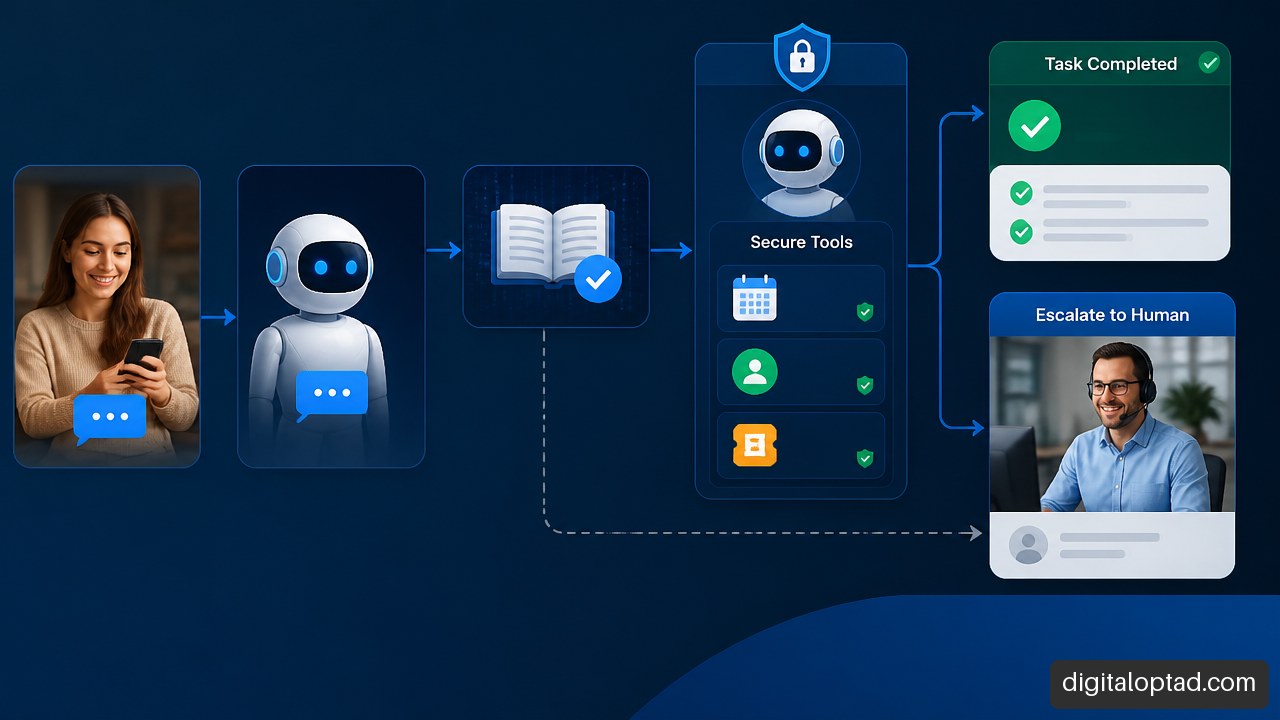
A reliable service has several layers working together. The customer sees the WhatsApp conversation, but the useful work happens behind it.
-
Message intake: A message enters through an approved WhatsApp Business connection or messaging platform.
-
Intent and context handling: The system identifies what the user is trying to do, such as asking a question, requesting a quote, reporting a problem, or scheduling a meeting.
-
Knowledge retrieval: For factual questions, the chatbot can draw from approved content such as service pages, policy documents, price lists, product data, or internal help articles.
-
Tool decision: If action is needed, an agent may call a structured function. Function calling means the model requests a defined action with specific fields rather than improvising an unstructured command.
-
Validation: Business rules check the request. For example, a booking system may confirm date availability, service location, staff capacity, and required customer details.
-
Action or escalation: The system completes an allowed task, asks for clarification, or routes the case to a human team member.
-
Logging and monitoring: The organization records relevant events, tool calls, errors, handovers, and outcomes for review.
This design keeps language generation separate from business authority. The model may understand a customer’s message, but the connected system should decide whether an action is permitted.
A Useful Service Scope
A WhatsApp AI service may include a chatbot, an agent, or a carefully limited combination of both. Scope should be based on the actual business process rather than a generic feature list.
| Service Element | What It Can Do | Best Fit |
|---|---|---|
| FAQ chatbot | Answers approved common questions | Services with repetitive inquiries |
| Lead qualification flow | Captures needs, budget range, location, and contact details | Sales and marketing teams |
| Appointment assistant | Collects booking details and checks approved availability | Clinics, consultants, salons, service businesses |
| Support triage agent | Categorizes issues and creates support tickets | Organizations with recurring support requests |
| Order and catalog assistant | Helps users find products and track permitted order details | Retail and e commerce operations |
| Staff handover workflow | Sends complex or sensitive cases to the right person | Any organization using customer automation |
For a marketplace, a Multi Vendor E-Commerce Website can provide product, vendor, and order data that a chatbot uses for customer guidance. An agent should only access the parts of that data needed for a specific task.
Integrating AI Into Organizational Workflows
Start With One Bounded Problem
The strongest starting point is usually not “automate customer service.” It is one defined problem with a clear beginning, end, and owner.
A good first use case might be: “Collect website project inquiries, ask five qualifying questions, create a lead record, and alert the sales team.” The outcome is clear. The agent does not need authority to discount services, change contracts, or commit to delivery dates.
Avoid starting with vague goals such as “make the bot handle everything.” End to end customer support sounds efficient, but real cases can involve exceptions, emotional concerns, disputed facts, account security, and policy judgment.
Connect Systems With Permissions, Not Blind Access
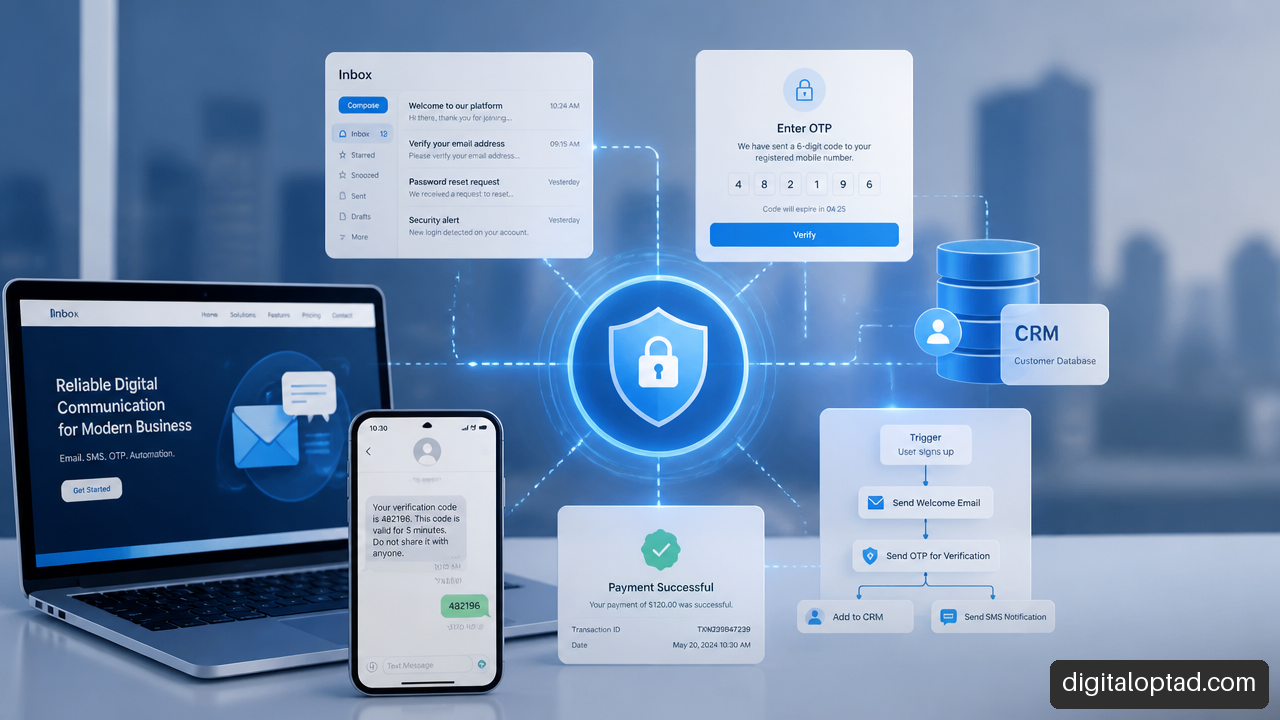
Integration turns a useful conversation into an operational tool. A chatbot or agent may connect to a customer relationship management platform, calendar, help desk, e commerce system, document workflow, email service, or internal database.
The design question is not merely, “Can it connect?” It is, “What should it be allowed to do?”
Use least privilege. An appointment agent may need permission to read available slots and create a provisional booking. It does not necessarily need access to all customer notes, financial reports, or employee calendars.
Where different applications or agents must communicate, protocols can help define the rules. IBM explains that AI agent protocols define communication rules across A2A, ACP, AG-UI, and MCP related interoperability concepts. In simple terms, these approaches distinguish backend coordination from the customer facing chat experience.
MCP is commonly discussed as a way to connect models with tools and context. A2A and ACP focus on agent to agent communication. AG-UI is aimed at real time interaction between an agent and an application interface. These standards are still evolving, so organizations should avoid assuming that a protocol alone provides security, data quality, or business governance.
Build For Handover, Not Just Automation
A good handover preserves context. If a customer has already provided an order number, issue description, screenshots, and preferred contact time, the human support representative should receive that information rather than asking the customer to repeat it.
Human escalation should trigger when any of these conditions apply:
• The customer requests a person
• The agent has low confidence or conflicting information
• A tool call fails more than once
• The request involves payment, identity, contracts, medical matters, legal matters, or significant financial impact
• The user appears distressed, confused, or at risk
• The action would be irreversible, such as deleting a record or canceling a service
This is where an implementation such as the Digital Optad AI Agent can be shaped around approved workflows, integrations, and escalation points instead of operating as an unrestricted general purpose assistant.
User Experience, Safety, And Governance
Make The Conversation Clear And Honest
A natural sounding chatbot can improve user experience, but warmth should not become false reassurance. The system should identify itself as automated, state what it can help with, and make it easy to reach a human.
Customer satisfaction is not determined by speed alone. Research published by SAGE found that perceived warmth and competence shape satisfaction when customers compare AI chatbots and human agents. A fast answer that feels dismissive may frustrate someone. A polite answer that fails to solve the issue also disappoints.
The practical goal is not to imitate a person perfectly. It is to be clear, respectful, and capable within defined limits. Short responses, visible next steps, confirmation messages, and clear escalation options often matter more than an overly human tone.
Agent Specific Failure Modes
Chatbots can give wrong answers. Agents can give wrong answers and then act on them. That difference changes the safety model.
| Failure Mode | What Can Go Wrong | Control |
|---|---|---|
| Incorrect tool selection | Agent uses the wrong system or workflow | Restrict tools by task and user role |
| Bad parameters | Wrong customer ID, date, amount, or item is submitted | Validate fields before execution |
| State drift | Agent loses track of what has already happened | Store confirmed workflow state separately from chat text |
| Prompt injection | A message tries to override instructions or expose data | Treat external text as untrusted and isolate tool permissions |
| Excessive autonomy | Agent completes an action that needed approval | Require confirmation or staff review for sensitive actions |
| Memory overreach | Old personal details affect a new conversation | Set retention limits and allow memory review or deletion |
Memory deserves special care. Persistent context can make repeat interactions smoother, such as remembering a preferred branch or a prior ticket number. Yet more memory also means more privacy exposure and more chances that outdated information influences a decision.
A safe pattern is to separate session context from long term profile data. Keep only what is necessary. Label confirmed facts differently from model generated summaries. Give staff a way to correct records. Give users a clear way to ask what information is retained.
Measure Outcomes, Not Just Fluent Answers
An organization should review its system against actual operational results. A chatbot that sounds polished but sends customers in circles is not performing well.
Useful metrics include:
• Containment rate: the share of conversations resolved without a person, measured alongside customer satisfaction
• Escalation precision: whether cases handed to people truly required human help
• Safe completion rate: the share of tool based tasks completed correctly without later correction
• Tool failure rate: failed, timed out, duplicate, or rejected actions
• Customer effort: how many turns, repeated details, or transfers were needed
• Time to resolution: elapsed time from first message to a valid outcome
• Recovery quality: whether the system explains a failure and offers a practical next step
• Privacy and security events: inappropriate data exposure, access attempts, or retention failures
There is no universal threshold for these metrics. A product inquiry bot may tolerate a moderate escalation rate if it captures accurate leads. A billing agent should have a far stricter safe completion standard because an incorrect action could affect money or trust.
High stakes use requires added caution. A 2026 JMIR AI review reports that evidence for LLM based counseling chatbots and agentic AI remains heterogeneous, with limited external validation and inconsistent safety reporting. In a mental health scenario, a system may offer general support resources, but it should not present itself as a substitute for qualified care or attempt to manage a crisis without immediate human and emergency pathways.
Frequently Asked Questions
What Is The Difference Between An AI Chatbot And An AI Agent?
A chatbot primarily communicates. An AI agent communicates and can use approved tools to complete steps toward a goal. The practical difference is action authority, not how human the conversation sounds.
Can A Chatbot Become An Agent?
Yes. A chatbot becomes agentic when it is connected to tools and can select or execute approved actions in a loop. Adding a link or a static form does not make it an agent. Allowing it to check, create, update, or route records through governed tools may.
When Should An Organization Use A Chatbot Instead Of An Agent?
Choose a chatbot for FAQs, service explanations, basic lead capture, and simple guidance. Choose an agent when the value depends on completing a bounded task across connected systems. Avoid agents where the process is unclear, the data is unreliable, or the action carries high consequences without a review step.
How Do AI Agents Use Tools?
Agents use structured tools such as APIs, database queries, calendar functions, ticketing actions, or messaging services. The model requests a tool call with required fields. The connected system validates that request, returns a result, and the agent decides what to do next within its allowed workflow.
Do Chatbots Need Memory?
Not always. Session memory can help a user finish one conversation without repeating details. Long term memory should only be used when it provides a clear benefit, such as remembering a customer preference, and when privacy rules, retention periods, and correction processes are in place.
Can AI Agents Handle Customer Support End To End?
They can handle parts of support end to end when requests are predictable and actions are reversible or well controlled. They should escalate disputes, security concerns, sensitive personal matters, exceptions, and cases where the customer asks for a human. Full automation is not automatically better service.
How Do We Stop An AI Agent From Taking Unsafe Actions?
Use narrow tool permissions, data validation, role based access, approval gates, action logs, rate limits, test environments, and clear escalation rules. Keep irreversible actions behind human confirmation whenever possible. If the agent cannot verify a required fact, it should stop rather than guess.
Sources
• OpenAI Developers — Agents: https://developers.openai.com/learn/agents
• IBM — What Are AI Agent Protocols?: https://www.ibm.com/think/topics/ai-agent-protocols
• JMIR AI — Large Language Model–Based Chatbots and Agentic AI for Mental Health Counseling: https://ai.jmir.org/2026/1/e80348
• SAGE — Artificial Intelligence Chatbots versus Human Agents in Customer Satisfaction: The Role of Warmth and Competence: https://journals.sagepub.com/doi/10.1177/10949968251366265
• PMC — Future directions for chatbot research: an interdisciplinary workshop: https://pmc.ncbi.nlm.nih.gov/articles/PMC8523728/