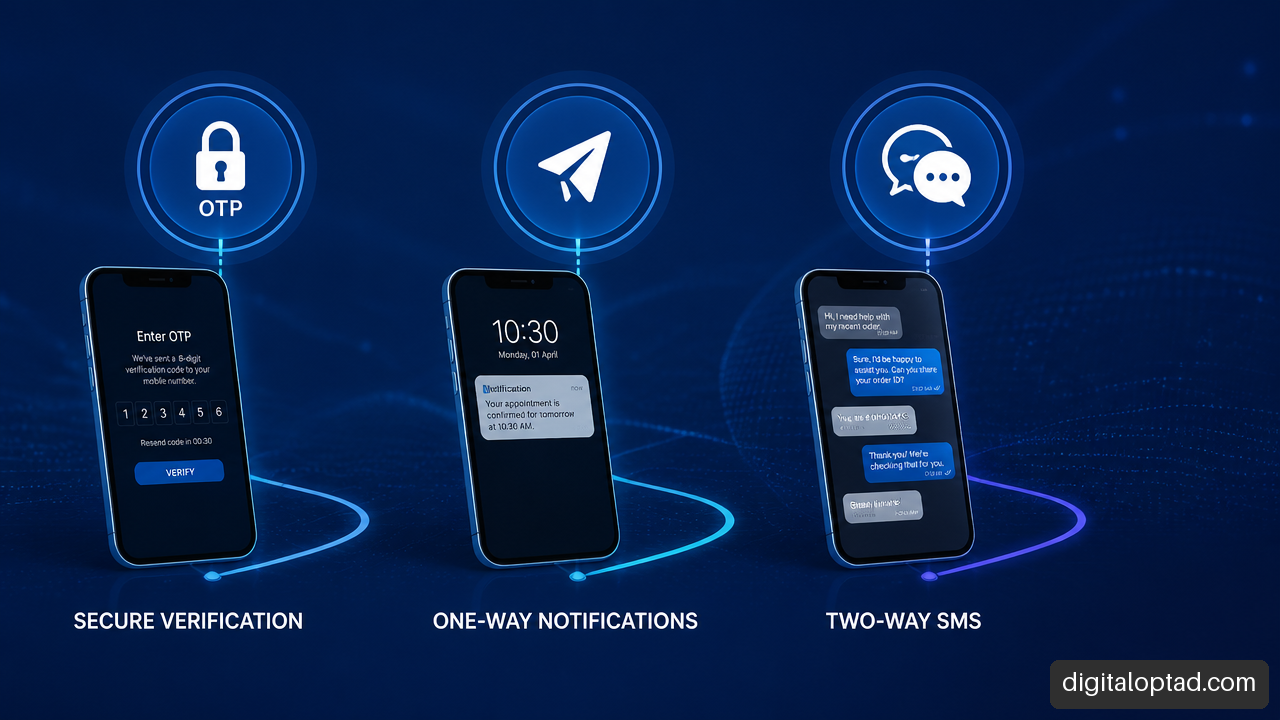
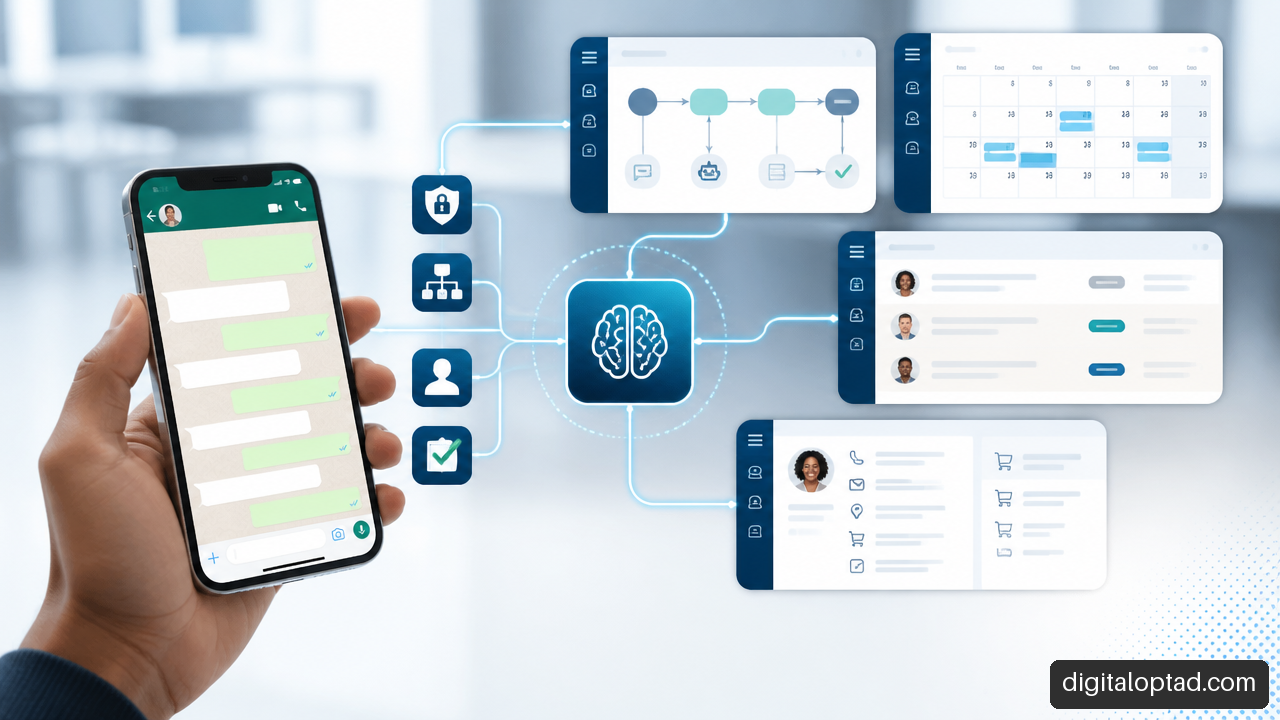
Email, SMS & OTP solutions connect customer communication with secure digital processes. They can send marketing messages, confirm bookings, notify staff, verify accounts, reset passwords, and approve sensitive actions. When we design these systems well, communication becomes timely, traceable, and connected to the tools an organization already uses.
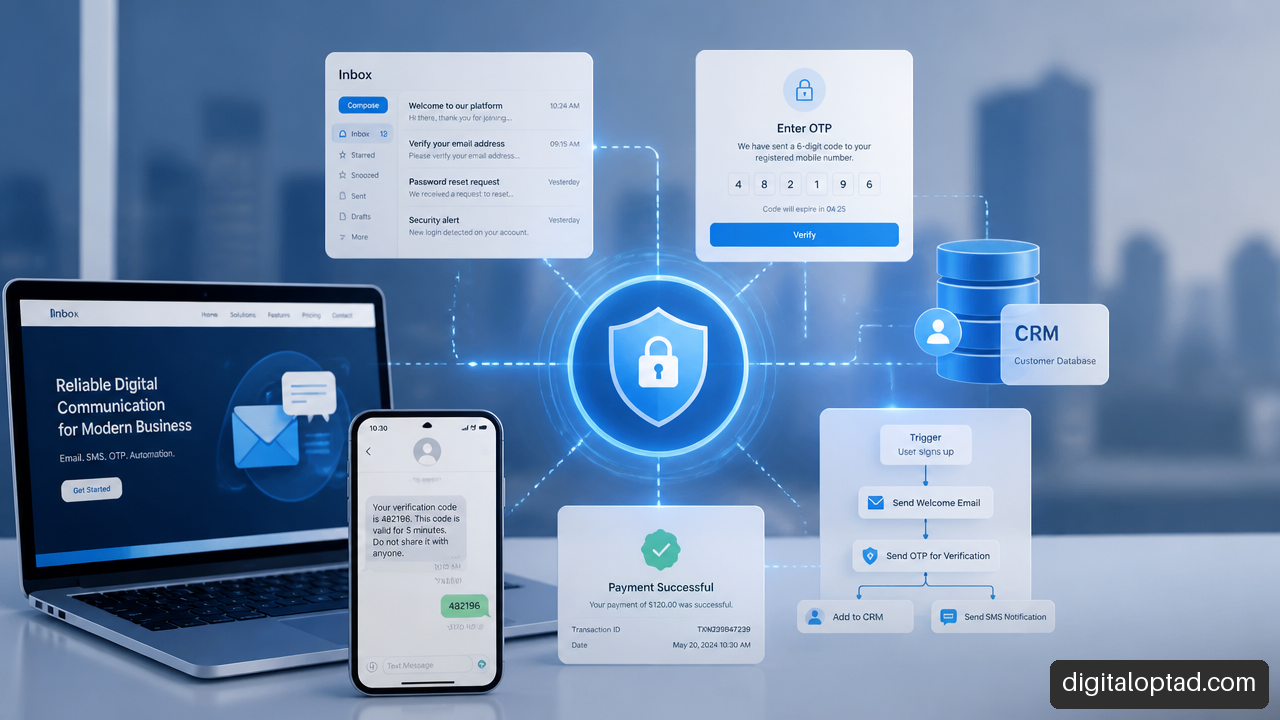
Table Of Contents
• What Email, SMS & OTP Solutions Do
• Choosing The Right Channel For Each Task
• Building A Secure OTP Verification Flow
• Connecting Communication To Digital Systems
What Email, SMS & OTP Solutions Do
Email, SMS & OTP solutions are communication services connected to websites, applications, databases, and business workflows. They serve two related but different needs: sending useful information and confirming that a person is authorized to take an action.
Email is usually best for detailed, branded communication. SMS is better for short, urgent messages that users are likely to see quickly. OTP, short for one time password, is a temporary code used to verify an identity, approve an action, or confirm access to an account.
Marketing Campaigns And Customer Updates
Marketing communication can include product announcements, event reminders, special offers, abandoned cart messages, feedback requests, and follow ups after a customer submits a form. The strongest campaigns are not just bulk messages. They use customer data carefully, respect consent, and trigger messages from real customer actions.
For example, a training provider could send an email after a learner downloads a course guide. If the learner does not complete registration, a later reminder can be sent through SMS, provided they have agreed to receive messages. The same process may notify an administrator when an application is completed.
Automated messaging is especially useful when timing matters:
• A booking confirmation can be sent immediately after a reservation is made.
• An appointment reminder can be scheduled before the visit.
• A payment receipt can be emailed after a successful transaction.
• A stock or service alert can reach the responsible staff member by SMS or WhatsApp.
• A follow up message can be triggered when a lead form is submitted.
A communication system should not treat every contact as a marketing target. Transactional messages, such as password resets or payment confirmations, need different templates, permissions, and delivery priorities from promotional campaigns.
Automated Notifications That Reduce Manual Work
Notifications turn system events into practical actions. Instead of an administrator checking a spreadsheet every hour, a system can send an alert when a booking is cancelled, an application needs review, a document is approved, or a payment fails.
The value is not merely that a message is sent. It is that the message carries the right context. A useful notification tells the recipient what happened, what it means, and what should happen next.
A good automated notification removes a question. A poor one creates another support ticket.
For instance, “Your request has been received” is reassuring but limited. “Your application has been received. Reference number: 48192. We will contact you if supporting documents are needed” gives the user a clear record and reduces unnecessary follow ups.
OTP Verification For Sensitive Actions
An OTP is a temporary secret that should work once and expire after a short period. It is commonly used for account registration, login confirmation, password reset, payment approval, contact detail changes, and high risk actions such as changing a bank account number.
Email OTPs confirm access to an inbox. As described in LoginRadius’s definition of email OTP, an email OTP is a temporary verification code sent to a user’s email address to confirm ownership or authorize an action.
An email flow may also use a one time link rather than a typed code. MDN Web Docs notes that email OTP methods can use short lived codes or personalized one time links, with the link expiring immediately after it has been used. Links can reduce typing, but they can be awkward when the email opens on one device and the user is trying to complete a task on another.
Choosing The Right Channel For Each Task
The right channel depends on urgency, message detail, user reach, cost, and the security risk of the action. There is no single channel that is always best.
Email, SMS, And OTP Have Different Jobs
| Channel Or Method | Best Fit | Main Strength | Important Limitation |
|---|---|---|---|
| Receipts, detailed updates, account verification | Supports richer content and records | Inbox delays and spam filtering can slow delivery | |
| SMS | Urgent reminders, delivery updates, short verification messages | Usually visible quickly on a mobile device | Can be affected by carrier delays, number changes, and SIM swap risk |
| Email OTP | Signup, account recovery, lower risk confirmation | No mobile number required | Depends on access to the email inbox |
| SMS OTP | Confirming possession of a registered phone | Familiar and convenient for many users | Should not be the only protection for high risk login flows |
| Passkey Or Authenticator App | Repeated login and higher risk access | Stronger protection against phishing | Requires setup and user education |
SMS remains useful because many people can receive text messages without installing a separate app. Still, SMS OTP should not be treated as a universal identity solution. MDN warns that SMS OTP should not be used alone to establish new sessions or as general authentication. This matters when an account contains sensitive data, controls payments, or grants administrative access.
For high risk access, consider a layered approach: password plus authenticator app, passkey plus device trust, or a step up verification process when a user changes critical account information. SMS can still play a role in recovery or as an additional signal, but it should not carry the full security burden.
Selecting A Delivery And Verification Provider
Some organizations build OTP delivery directly with email and SMS providers. Others use a verification API that generates codes, tracks attempts, checks results, and supports multiple channels. The better option depends on internal capacity and how much fraud control, monitoring, and routing logic the organization needs.
Twilio Verify is described as a service that confirms identities through OTPs sent by SMS, voice, email, or push. A multi channel service can simplify an architecture because one verification process can select or change the delivery path without rebuilding every integration.
Similarly, AWS states that End User Messaging can deliver OTPs through email, SMS, voice calls, push notifications, and WhatsApp within one architecture. That type of design helps reduce reliance on a single delivery path.
Cost should be modeled as a workflow, not just a message price. Some providers bill mainly per message, while others may charge by successful verification. A 2026 Authgear comparison identifies Twilio Verify, Vonage Verify, and Plivo Verify as multi channel OTP services with differing pricing models and channel support. A low SMS price may not produce the lowest total cost if resend rates are high, fallback routing is poorly designed, or failed attempts create unnecessary support work.
A Practical Fallback Rule
Fallback is useful only when it is controlled. Automatically sending an OTP to every possible channel can confuse users and increase fraud exposure.
A sensible policy could work like this:
-
Send the code through the user’s chosen or verified primary channel.
-
Wait for a defined delivery and entry window.
-
Offer a second approved channel only after a clear delay or confirmed failure.
-
Limit the number of resends across all channels, not per channel.
-
Require stronger verification before changing the destination email address or phone number.
For example, if an SMS code is delayed, offer email fallback only if the user already has a verified email address on file. If both contact methods are new, the system should avoid treating either one as trusted until the registration process is complete.
Building A Secure OTP Verification Flow
Security depends on what happens behind the message. A code that looks secure on screen can still be weak if it is predictable, stored improperly, reused, or accepted too many times.
Generate, Store, And Validate Codes Safely
The backend should create OTP values using a cryptographically secure random generator. It should associate each code with a specific purpose, user or transaction, delivery destination, and expiry time. A code for password reset must never also approve a payment.
Store only a protected representation of the code where possible, rather than retaining the plain code. When the user submits it, compare the protected value, confirm it has not expired, confirm it has not been used, and mark it consumed immediately after success.
A practical policy often includes:
• Six digit numeric codes for simple mobile entry.
• A short expiry window, often a few minutes, based on delivery conditions and risk.
• A strict limit on incorrect attempts.
• A resend delay to stop repeated message requests.
• A total verification limit tied to the account, device, IP address, and destination where appropriate.
There is no universal expiry time. A two minute code may be reasonable for approving a payment, while a longer window may be needed for an email based account recovery flow where inbox delivery can vary. Fair warning: making codes valid for too long may help delayed users, but it also gives attackers more time to guess or use a stolen code.
Prevent Brute Force, Fraud, And Phishing
A six digit code has one million possible values. That does not make it safe by itself. The system needs rate limits because an attacker should never receive enough guesses to make random attempts practical.
After too many failed attempts, invalidate the challenge and require the user to start again. Do not reveal whether an email address, phone number, or account exists more than necessary. Error messages should be useful without becoming a guide for account discovery.
Phishing remains a serious concern. Users can be tricked into sharing a valid code, especially when attackers claim to be support staff. Clear wording helps: state that the code is for a named action, avoid asking users to reply with it, and never send it in a message that requests a password.
For valuable accounts, use OTP as one part of a stronger process. A passkey or authenticator app is generally a better choice for regular sign in where phishing resistance is required. OTP is often more appropriate for onboarding, recovery, step up checks, or temporary verification.
Improve Mobile Entry Without Weakening Security
Typing codes is a small friction point that becomes a large conversion problem at scale. Use a single visible field or clearly grouped fields, allow paste, and avoid blocking password managers or mobile autofill.
MDN recommends using autocomplete="one-time-code" and inputmode="numeric" on an OTP input to support easier mobile entry. SMS can also support origin bound autofill when the message follows the browser’s expected format and includes the site origin and code. Browser support and exact formatting matter, so this should be tested on the devices and browsers your audience actually uses.
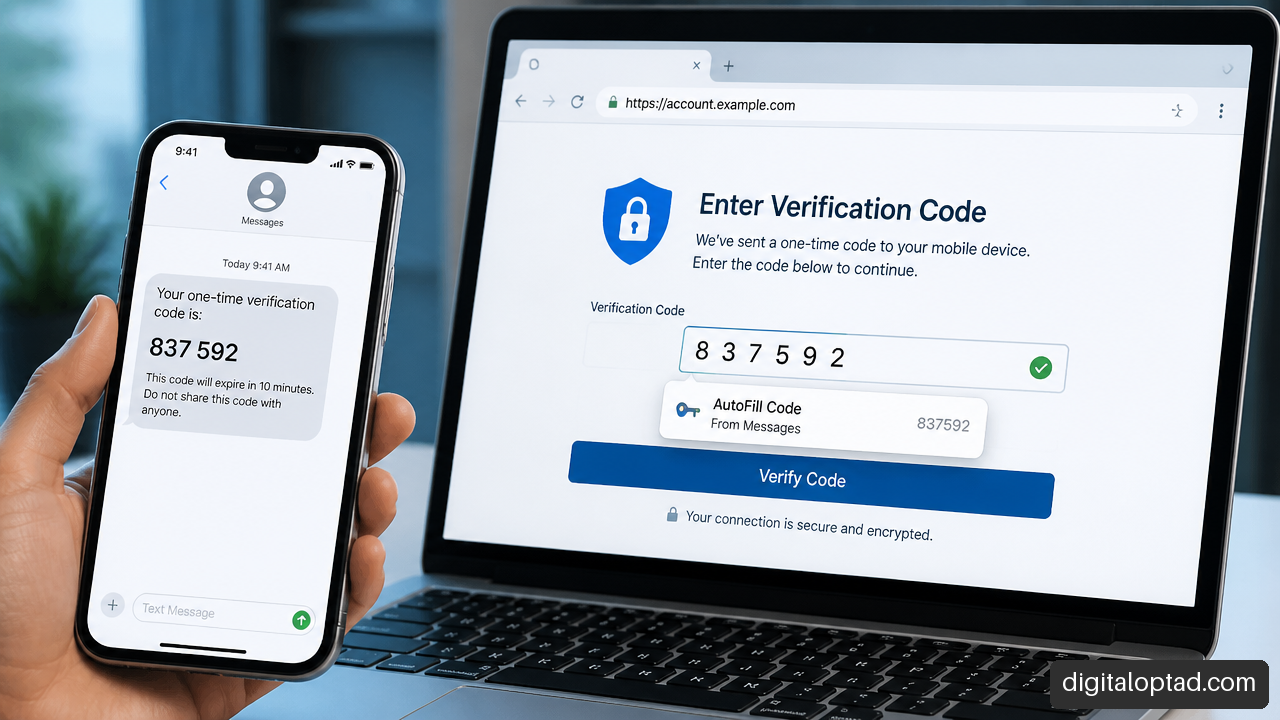
An origin bound SMS might contain a plain explanation first, followed by the code and site reference in the required structure. The goal is to help the browser offer the code to the correct site rather than relying on the user to copy it manually. It improves usability, but it is not a substitute for rate limiting, short expiry, or stronger authentication where risk demands it.
Connecting Communication To Digital Systems
The most useful Email, SMS & OTP solutions are not isolated dashboards. They connect events in your systems to messages, verification checks, reports, and staff actions.
Websites, Forms, And Customer Databases
A website form can create a lead in a CRM, send a confirmation email, alert a sales team by SMS, and start a follow up workflow. A registration form can verify an email address before creating a user record. A booking form can send a reminder before the appointment and a satisfaction survey afterward.
This connection usually happens through APIs, webhooks, or automation tools. An API allows one system to request an action from another system. A webhook sends an event when something changes. For example, a payment platform can send a webhook after payment success, triggering a receipt email and updating a customer record.
For organizations that need phone based customer updates, All-in-1 SMS solutions can be connected to forms, CRM records, booking events, and operational alerts rather than managed as a separate messaging task.
E Commerce, Payments, And User Accounts
E commerce workflows often need both communication and verification. A customer may receive an order confirmation by email, delivery updates by SMS, and an OTP when attempting to change account details or approve a high risk payment action.
Payment related OTP should be treated carefully. The message must name the transaction context without exposing excessive personal information. The backend must bind the code to the exact action, amount where relevant, and expiry. A code generated for “change password” should never authorize “confirm payment.”
When building secure checkout and approval flows, Online payment solutions can help connect payment events, customer notifications, and verification steps into one controlled process.
Administrative Dashboards And Staff Workflows
Administrators need visibility, not just delivery reports. A dashboard should show whether a message was requested, sent, delivered where available, verified, expired, failed, or blocked by a rate limit. These states help teams distinguish a technical failure from a user who simply has not completed the action.
Staff notifications also need clear rules. A failed application document might notify a case manager. A new paid booking could alert a service team. An unusually high number of OTP requests from one account could create a security alert rather than sending more codes.
WhatsApp can be useful for operational updates where consent, approved templates, and user expectations are properly managed. It should not become an uncontrolled alternative route for sensitive verification messages.
Organizations with different requirements across websites, automation, hosting, messaging, and integrations can review Various service options when planning a connected digital workflow.
Key Takeaways
Design Around The Action, Not The Channel
Email, SMS, and OTP are tools. The real design question is what the user needs to do and what could happen if the wrong person does it.
• Use email for detailed, record based communication and lower friction account confirmation.
• Use SMS for short, time sensitive notifications and phone possession checks.
• Use OTP for temporary verification, but bind every code to one specific action.
• Use passkeys or authenticator apps for stronger, repeat sign in protection where phishing risk is high.
• Add fallback channels carefully, with shared rate limits and verified destinations.
• Measure completion, delay, expiry, resend, and failure patterns instead of measuring sends alone.
Treat Deliverability As An Operational Metric
A message marked “sent” has not necessarily helped the user. Email may be delayed or filtered. SMS may be delayed by a carrier route, blocked by a device setting, or sent to an outdated number. Reporting should therefore track the whole verification journey: request, send, delivery signal where available, code entry, validation, and successful completion.
That data can reveal whether users need a different fallback path, clearer message wording, better form design, or a stronger account recovery process.
Frequently Asked Questions
What Is The Difference Between Email OTP And SMS OTP?
Email OTP sends a temporary code to an email inbox, while SMS OTP sends it to a mobile number. Email is often easier to use when a person has no verified phone number. SMS can be more immediate, but it depends on mobile network delivery and should not be the sole factor for high risk account access.
When Should We Use OTP Instead Of A Passkey Or Authenticator App?
Use OTP for account signup, contact verification, password recovery, temporary approval, or step up checks. Use passkeys or authenticator apps for recurring login to sensitive accounts, especially when phishing resistance matters. A customer portal with basic appointment details may use email OTP successfully; an administrator portal controlling financial records should use stronger authentication.
How Long Should An OTP Code Stay Valid?
Choose the shortest period that remains practical for the delivery channel and action. A few minutes is a common starting point for sensitive actions. Email recovery may need a slightly longer window because inbox delivery is less predictable. The code must expire after use, even if time remains.
What Happens After Too Many Failed OTP Attempts?
Invalidate the active verification challenge, stop further guesses, and require a new request after a delay. Apply limits across the user, destination, device, and network context where appropriate. Repeated failed attempts should be logged for review, especially for administrator and payment related accounts.
Why Are OTP Codes Not Arriving?
Email codes can be delayed by inbox filtering, sender reputation issues, incorrect addresses, or mailbox rules. SMS codes can fail because of incorrect numbers, carrier filtering, network delays, roaming, or blocked messages. Give users a clear resend option, show the masked destination, and offer a verified fallback channel when one is available.
How Can Users Autofill SMS Verification Codes On Mobile?
Use an OTP input with autocomplete="one-time-code" and inputmode="numeric". Where supported, format SMS messages for origin bound code autofill and test the exact format across relevant browsers. Manual entry must still work because autofill behavior varies by device, browser, and message format.
Should OTP Be Used For Signup, Login, Or Password Reset?
It can support all three, but the risk differs. Signup OTP verifies that a contact method is reachable. Password reset OTP is more sensitive because it can lead to account takeover. Login OTP may be suitable as an additional factor or temporary method, but it is not the strongest option for protecting valuable accounts over time.
How Do We Compare OTP Provider APIs?
Compare supported channels, destination coverage, delivery status events, rate limit controls, fraud tools, fallback logic, reporting, integration effort, data handling, and billing method. Test realistic scenarios, including delayed messages, expired codes, wrong entries, changed phone numbers, and users switching from mobile to desktop during verification.
Sources And References
• otp.plus